Salesforce Code Builder
Onboarding Redesign
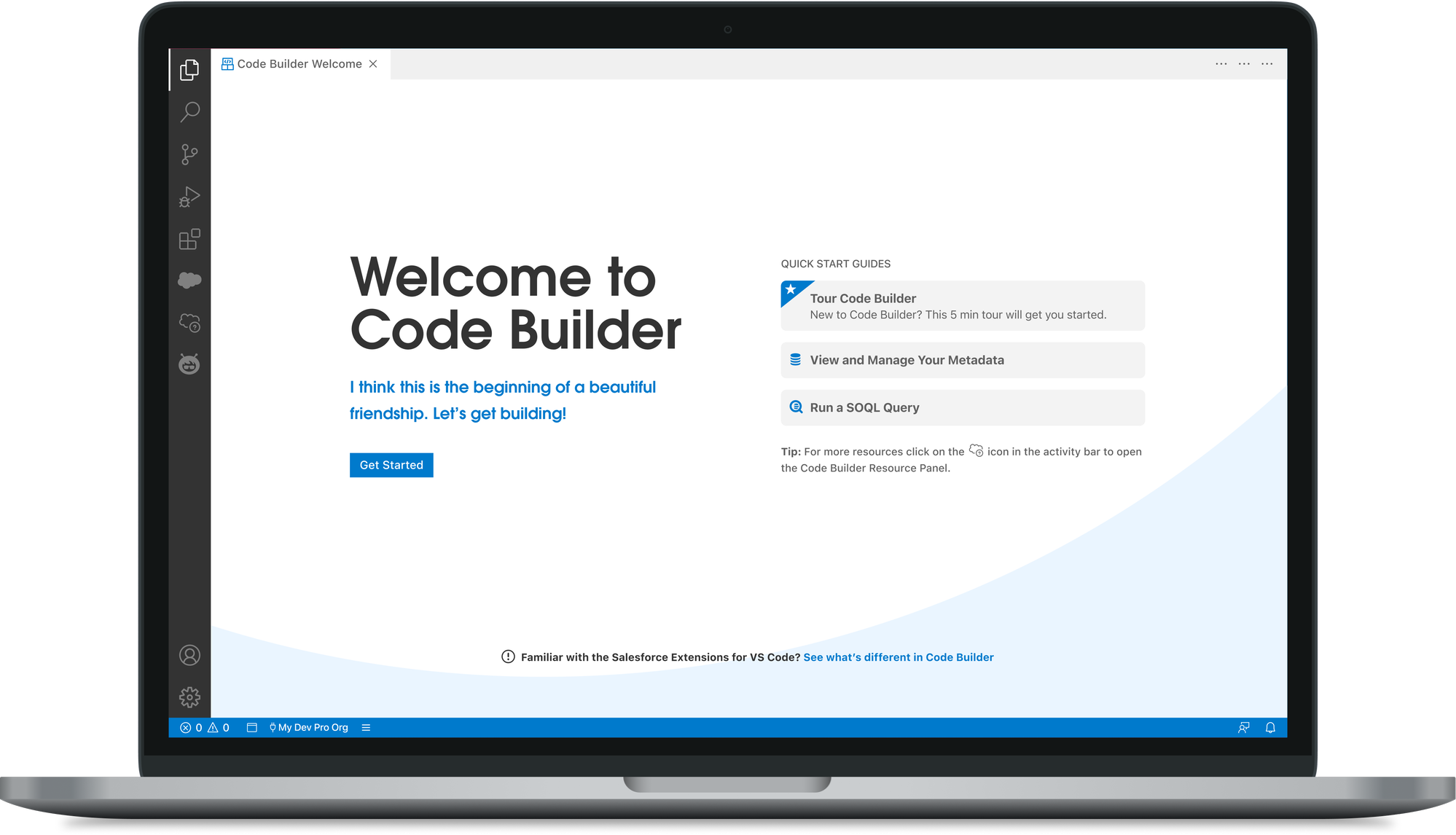
Salesforce Code Builder is a web-based IDE that brings the power of VS Code directly into the Salesforce platform. It needs to work for seasoned pro-code developers who want immediate access to their tools, and for low-code or hybrid users who need more context to get started.
The challenge was building an onboarding experience that could flex its complexity based on who was walking in — without creating friction for either group.
My design partner and I gathered feedback through beta testing. Developers expected to start immediately, not be guided step-by-step. Confusing setup and auth flows created hesitation, and misaligned mental models led to early drop-off — the friction wasn't at the edges, it was baked into the first few minutes. That pushed the question further than "how can we improve onboarding" — it became about rethinking whether onboarding should exist at all.
From those findings, I drove the concept phase — translating what we'd learned into what needed to change and how. We considered removing onboarding for pro-code users entirely, letting them drop straight into the editor with zero flow at all — but low-code users still needed guidance, and building two entirely separate products wasn't sustainable for a two-designer, three-engineer team.
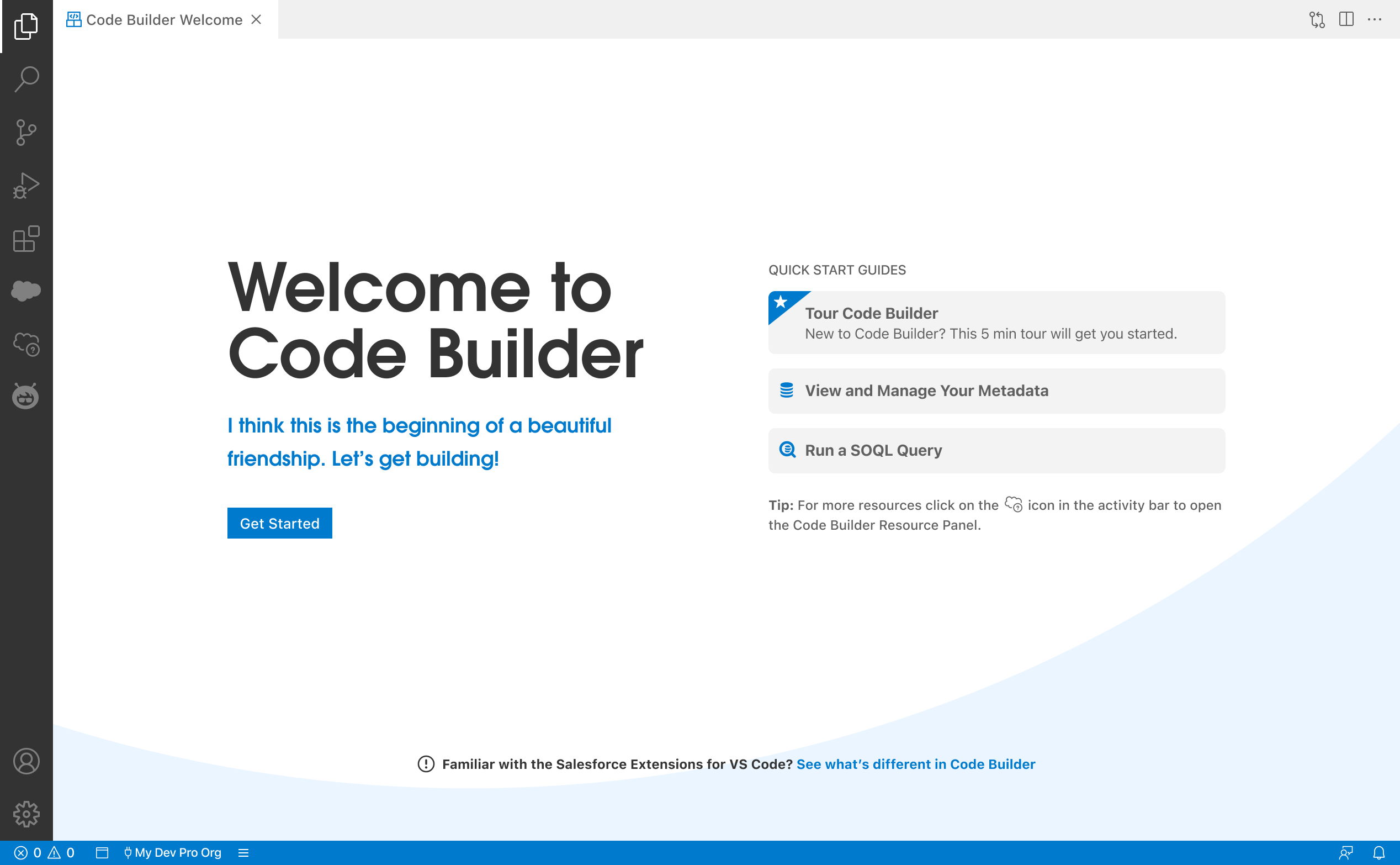
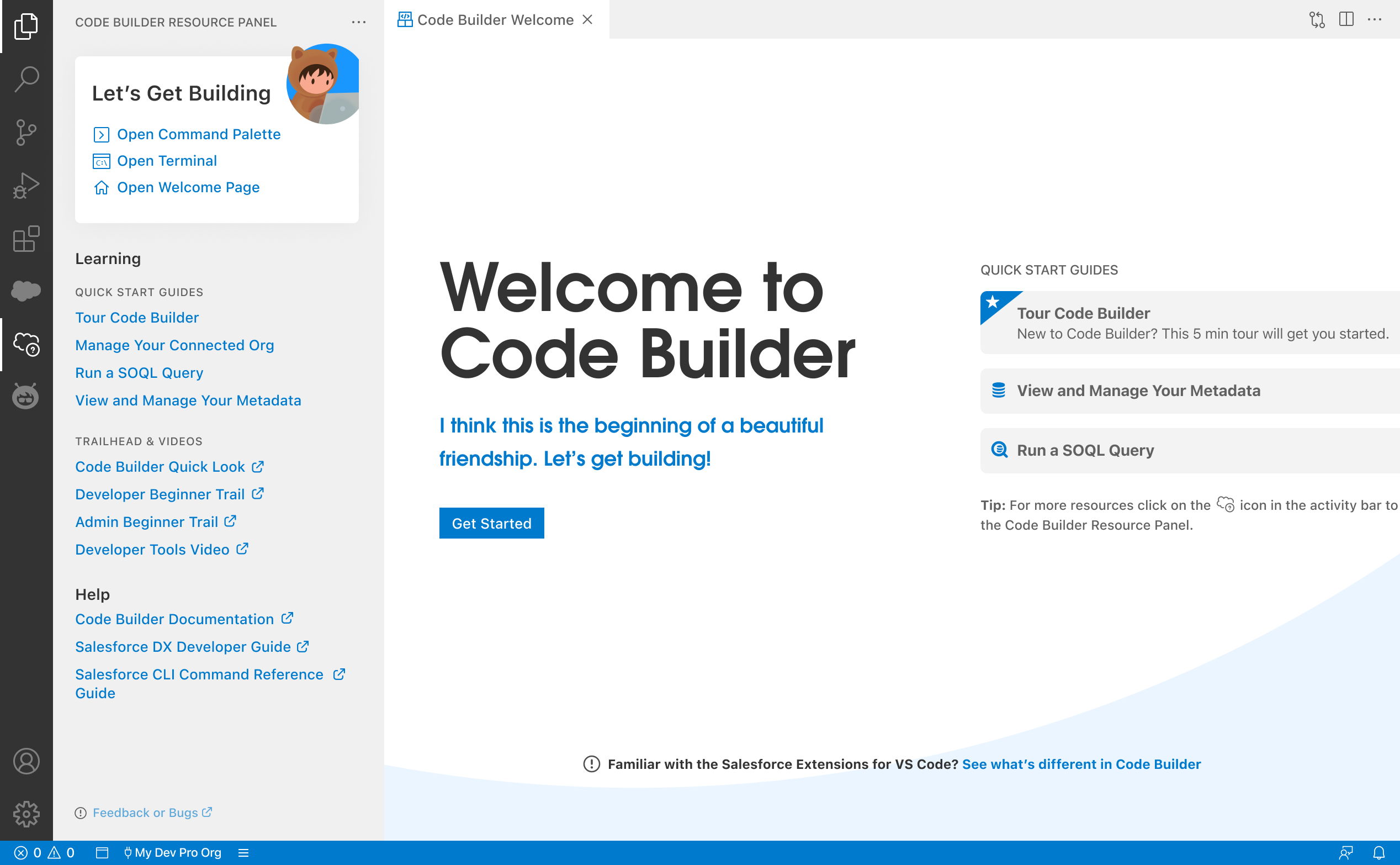
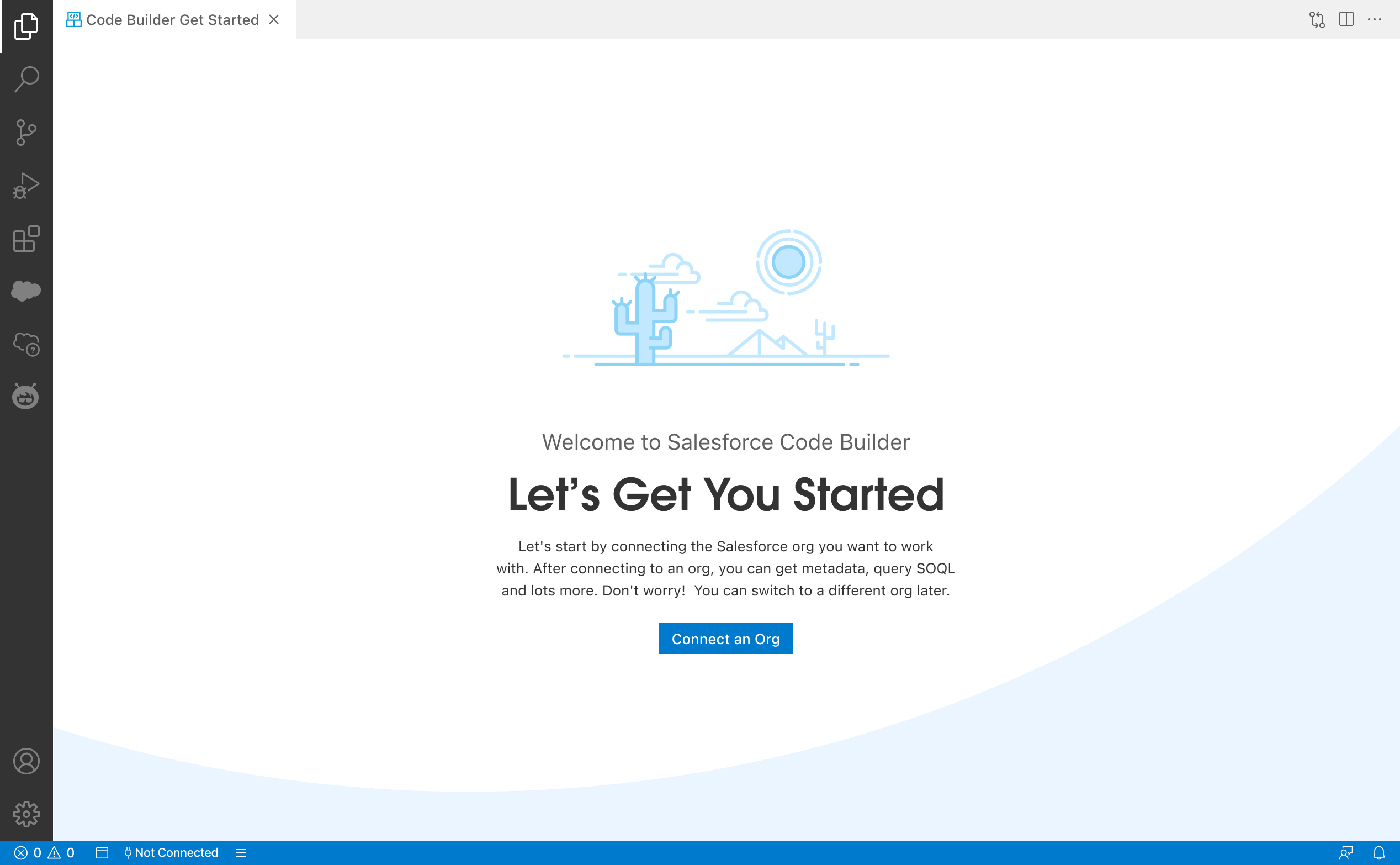
So instead of one onboarding experience or none, I redesigned the entry to fork: immediate, frictionless access for pro-code developers, with the right level of guidance surfaced for low-code users who needed it. No rigid flows, no one-size-fits-all ramp.
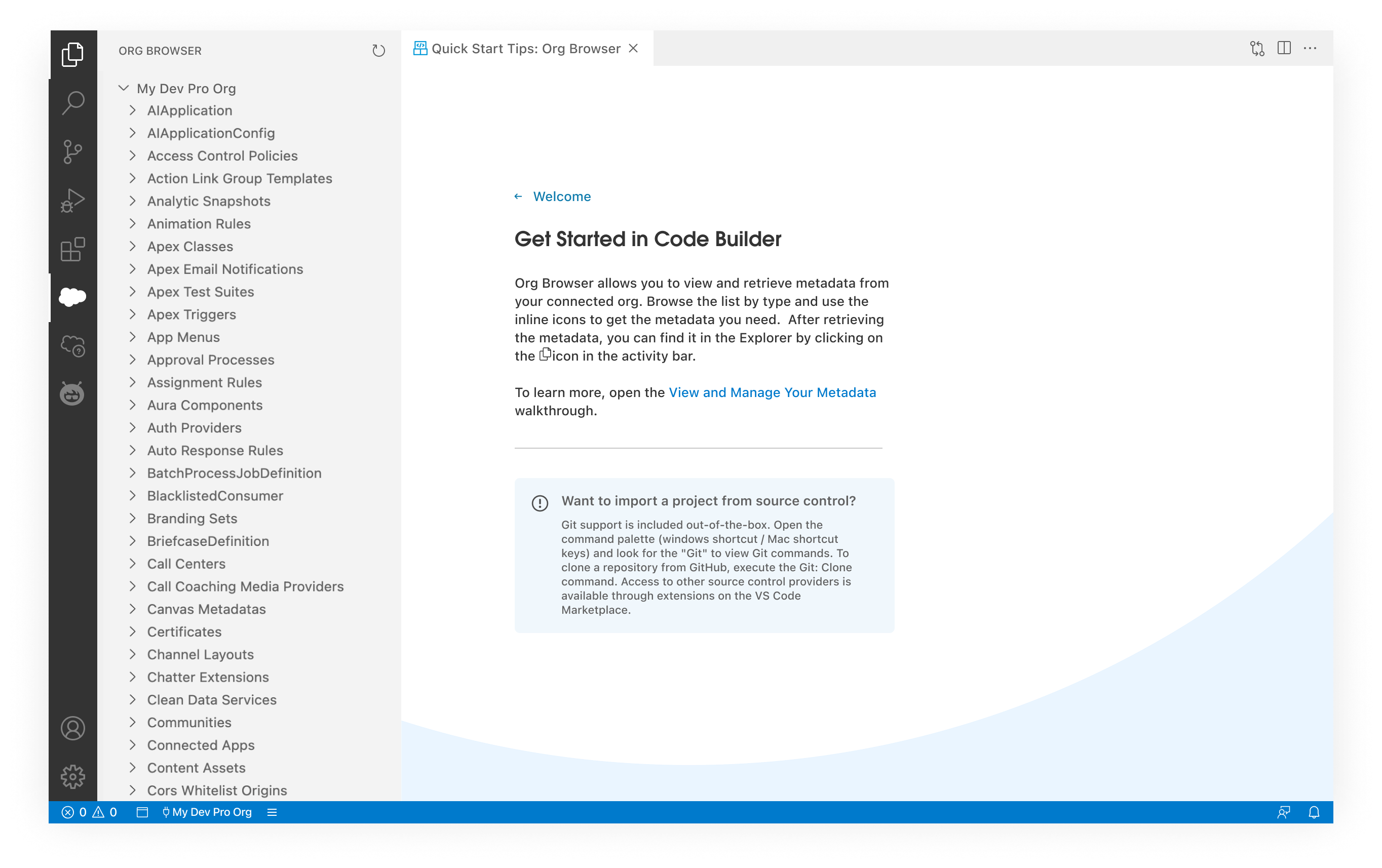
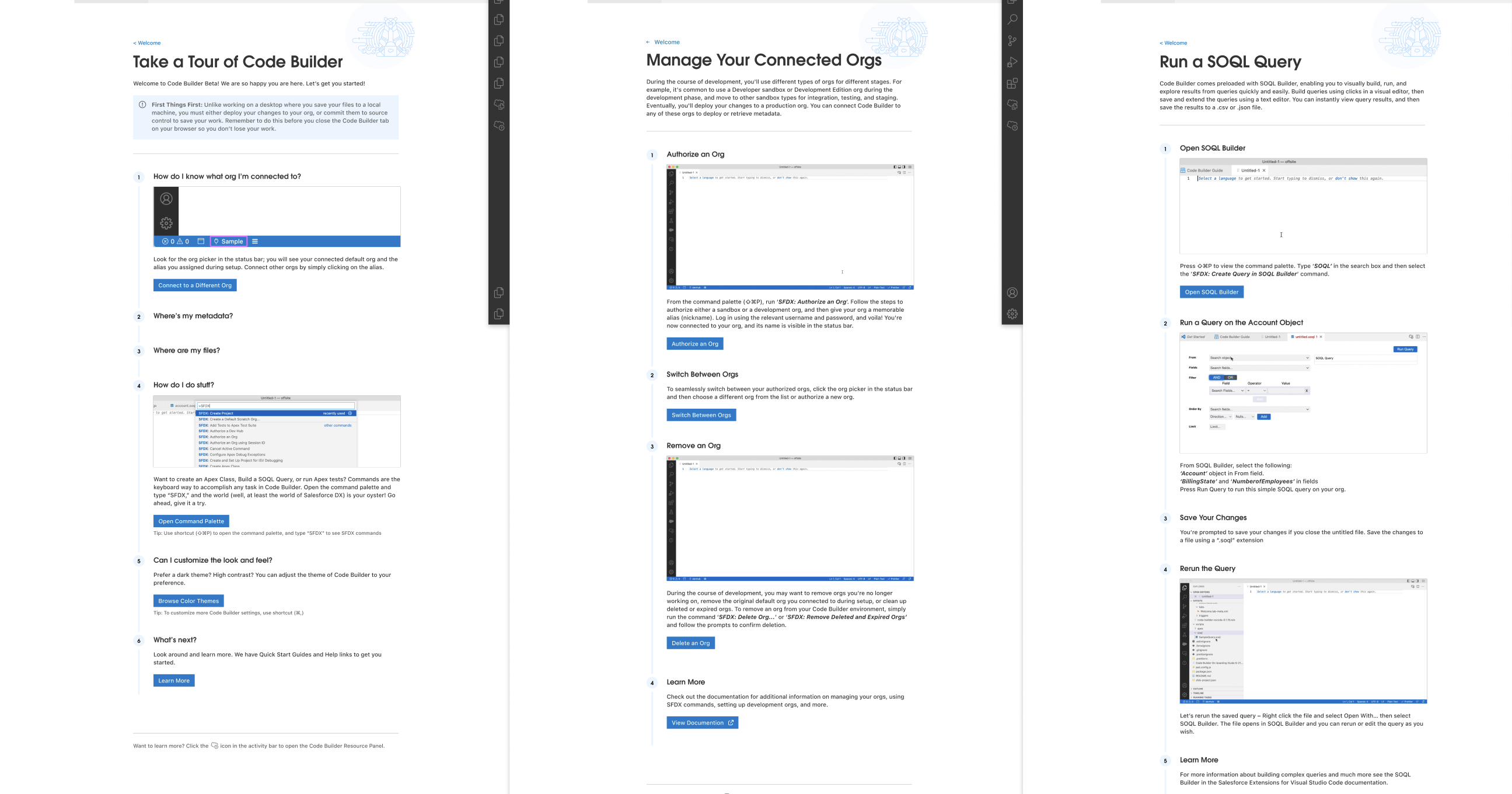
The details of this project are confidential.
Want the full story?
Reach out for insights on the complete process: research, tradeoffs, key decisions, and the iterations that shaped this product.